DaVinci Resolve
Paired Mac worker for supported editing and rendering operations. Local installation and compatibility checks required.
Local workerYOUR IDEAS. YOUR TOOLS. YOUR EDIT.
Give every video a place to come together. Plan the story, organize your media, and keep feedback connected to the cut.
Your editing tools stay yours. Your creative direction stays at the center.
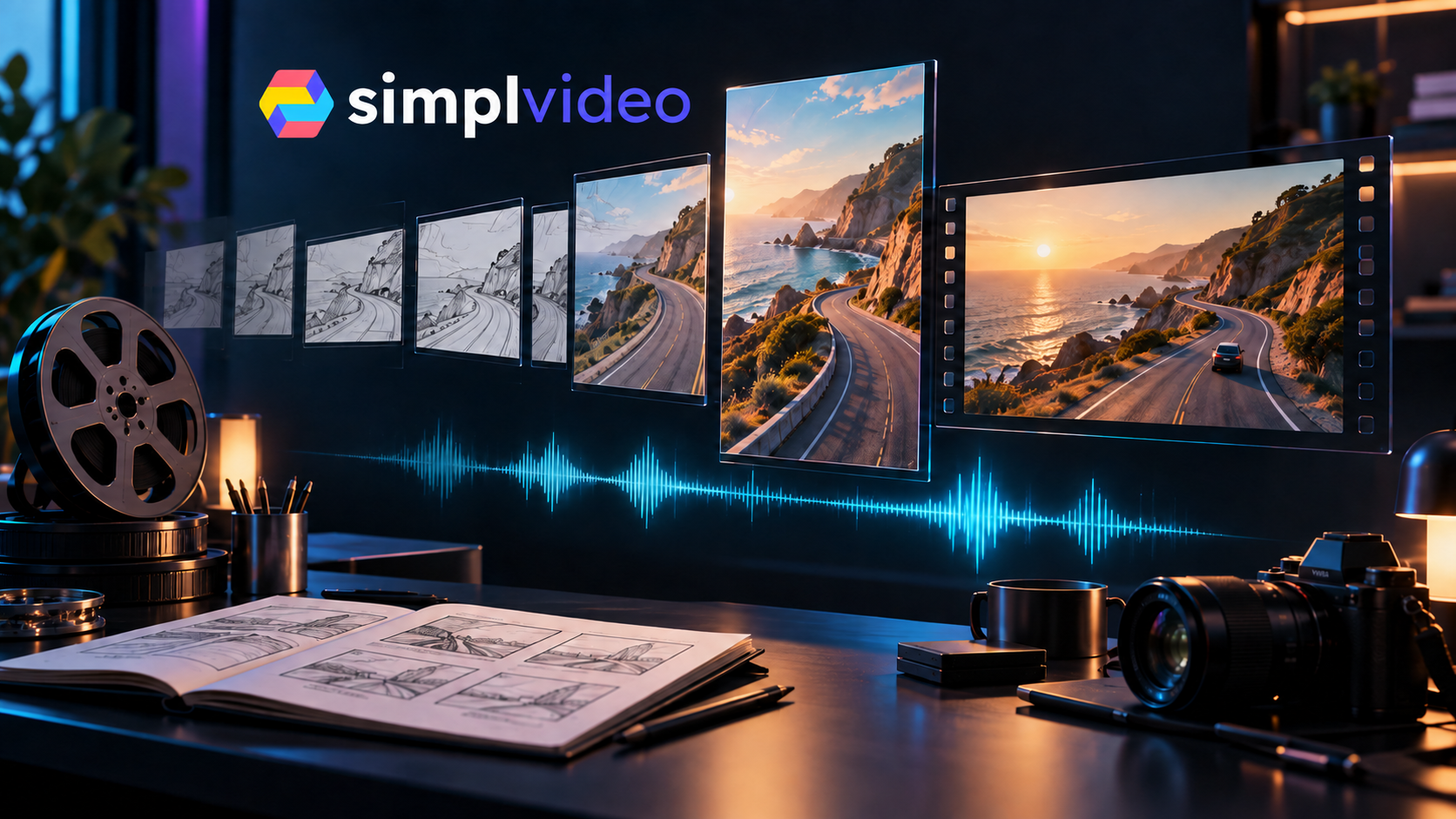
ONE CONTINUOUS CONVERSATION
Build the idea into a sequence. See the pacing. Bring the right assets into your edit. Give every revision a clear reference.
Write shot descriptions and narration, add reference images, and save storyboard versions.
Rehearse the sequence as a timed animatic preview before you commit to production.
Pair your Mac for supported Resolve operations. Review exports and collect feedback at the exact moment that matters.
FEEDBACK THAT FINDS ITS FRAME
Share selected versions through a private client link. Collect timecoded comments, reply in context, and record approvals for the exact version reviewed.
Open your review workspace ↗BRING WHAT YOU ALREADY USE
Paired Mac worker for supported editing and rendering operations. Local installation and compatibility checks required.
Local workerConnect your library credentials and private voice agent. Each account uses its own connections.
Account setup requiredCreate or find media in your own accounts, then import the results. Provider subscriptions are separate.
Guided handoff & importMAKE SOMETHING WORTH WATCHING
Start with a board and a library. Connect production tools as you need them.